

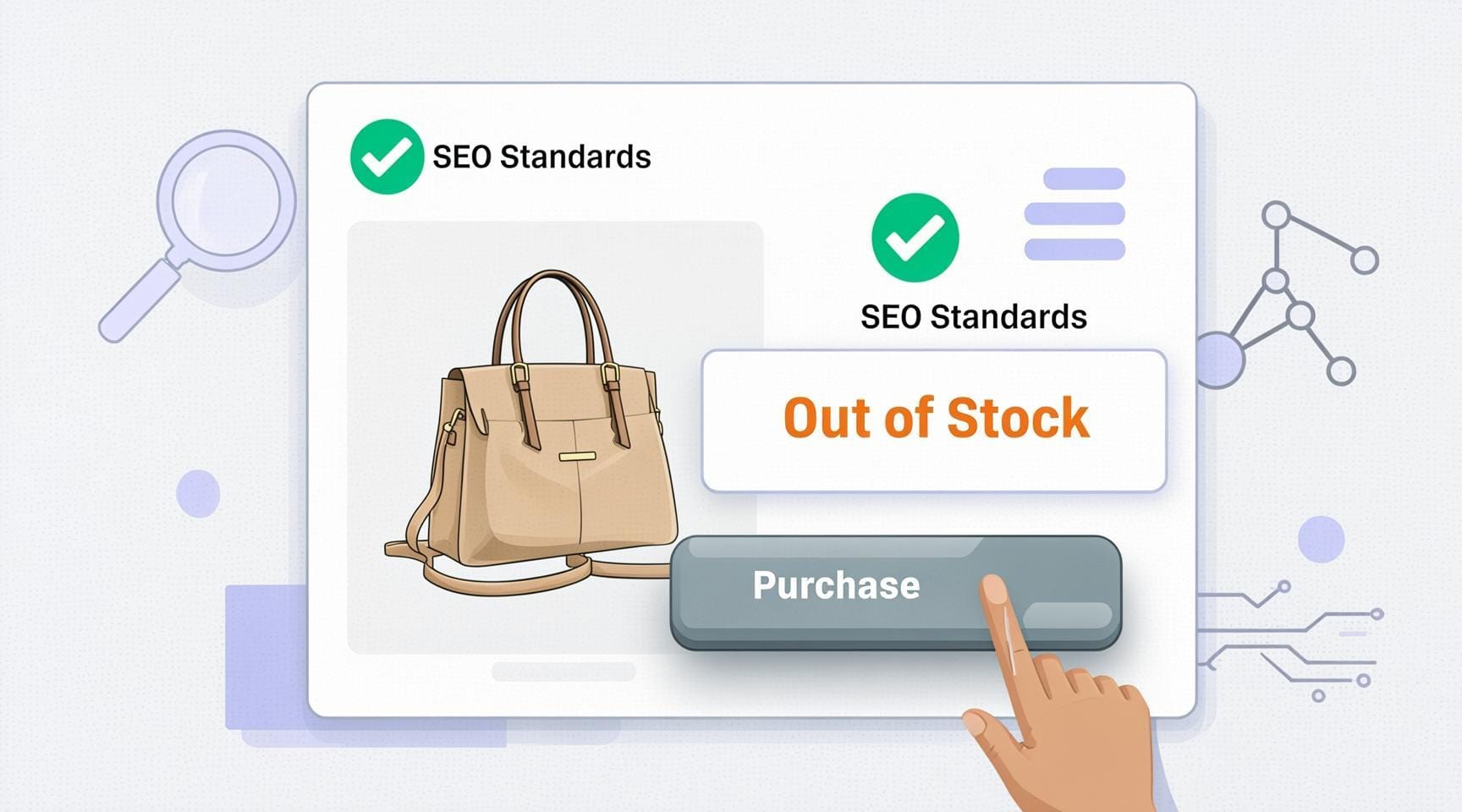
The “Out-of-Stock” SEO Trap: Google’s New Rule for E-commerce Stores
Out-of-stock product pages just became one of the most important compliance issues for online retailers after Google updated its official Merchant Center policy in March 2026. The rule is direct: when a product is unavailable, the Buy Now or Add to Cart button must be visually greyed out and completely disabled on the page.
This update is now live in Google’s official Merchant Center landing page requirements and applies to every merchant running Shopping ads or free product listings.
What Google Now Requires for Out-of-Stock Product Pages
Google’s updated documentation includes one clear new sentence:
“For ‘out of stock’ items, the ‘Buy’ button must be greyed out on your product landing page.”
The rule means three things for store owners:
- The Buy button must stay visible on the page, not removed or hidden
- The button must appear greyed out and non-clickable before any user interaction
- The visual state of the button must reflect the stock status immediately on page load
Google’s availability attribute documentation confirms this further, stating the Buy button “should be inactive and greyed out” for out-of-stock offers and “active” for in-stock offers.
When Did This Rule Change for Out-of-Stock Product Pages
The update was published in March 2026. On March 19, 2026, Emmanuel Flossie, a Google Ads Diamond Product Expert and founder of Feed Army, posted an official explainer video on the Google Merchant Center Community demonstrating exactly what compliance looks like.
His key point was clear: hiding the button is not allowed.
Search Engine Roundtable subsequently confirmed the change, and Search Engine Land noted it carries direct implications for product approvals and ad performance across Google Shopping.
Also Read
3 Common Practices Now Non-Compliant on Out-of-Stock Product Pages
Many stores currently rely on approaches that Google no longer accepts.
1. Hiding or removing the button. Taking the button off the page entirely is now a violation. Google requires it to stay visible in a disabled state.
2. Showing a pop-up after the click. If a shopper has to click the button to discover the item is unavailable, that is too late. The button state must communicate unavailability before any interaction.
3. Returning a 404 error page. Redirecting out-of-stock product pages to a 404 removes the URL from Google’s index and wastes all SEO equity the page had built. Keep the page live.
Why Google Updated the Out-of-Stock Product Page Policy
The reason is about wasted clicks and trust. Google’s own documentation states: “You may be paying for wasted clicks if a user clicks on a product, then returns to Google after seeing that it’s not available on your landing page.”
An active Buy button on an unavailable product also creates an accuracy problem. Google’s AI-powered Shopping features pull information directly from product pages. If a page shows an active button, Google may list that product as available in Shopping results when it is not, which damages both the shopper experience and the merchant’s credibility.
What Happens If You Ignore This Rule
Non-compliant out-of-stock product pages face product disapprovals and removal from Shopping ads and free listings. Widespread non-compliance triggers account-level warnings and, if unresolved, Merchant Center suspension under Google’s misrepresentation policy. Misrepresentation suspensions are among the most serious to resolve.
Frequently Asked Questions (FAQs)
What does Google’s new out-of-stock product page rule require?
The Buy or Add to Cart button must appear visually greyed out and non-clickable on any product page where the item is unavailable. Hiding the button or leaving it active are both now non-compliant under Google’s updated Merchant Center landing page requirements.
Does this apply to free listings or only paid Shopping ads?
Both. The requirement covers all products submitted through Google Merchant Center, whether they appear in paid Shopping ads or free product listings.
What is the penalty for non-compliant out-of-stock product pages?
Individual products will be disapproved and removed from Shopping results. Widespread issues can lead to account-level warnings and Merchant Center suspension under Google’s misrepresentation policy.
Should I delete out-of-stock product pages for SEO?
No. Google advises keeping the page live. Deleting the page or returning a 404 removes it from the index and wastes any backlinks or ranking signals the URL had accumulated.
Does the page availability also need to match the product feed?
Yes. The availability shown on the product page must match the availability value in your product data feed. A mismatch between the two is a separate reason for product disapproval.
Disclaimer: The information in this article is based on Google’s Merchant Center policy documentation and publicly available sources at the time of publication. Google may update its guidelines at any time. We recommend checking Google’s official Merchant Center Help directly for the most current requirements. CoreBrief is not affiliated with Google.