
4 Best AI Video Editing Tools You Should Be Using Right Now (2026)
Best AI video editing tools are completely changing how content creators, educators, and marketers produce video content in 2026. If you have ever spent four hours editing a 30-minute raw recording, you already know the pain. AI video editors solve it by automating the most tedious parts of the job so you can focus on the story you are trying to tell.
In this guide, you will discover the four best AI video editing tools available right now, including OpusClip, VideoMule, VEED.IO, and Descript. You will learn what each tool does, who it is built for, and which one fits your workflow best.
Whether you create YouTube videos, tutorials, podcasts, or short-form social clips, at least one of these AI video editing tools will cut your production time significantly.
Why the Best AI Video Editing Tools Matter in 2026
The global video editing software market was valued at over $2.5 billion in 2023 and continues to grow. According to Wyzowl’s 2024 Video Marketing Statistics, 91 percent of businesses now use video as a marketing tool. The demand for faster, more affordable video production has never been higher.
Traditional video editing is time-consuming. A single 20-minute video can take three to five hours to edit manually. The best AI video editing tools in 2026 reduce that to under an hour by automating:
- Silence, pause, and filler word removal from audio and video tracks
- B-roll footage generation and automatic insertion over jump cuts
- Subtitle and closed caption creation with high accuracy
- Multi-format cropping for YouTube, TikTok, Instagram, and LinkedIn
- Transcript-based editing that links text deletions directly to video cuts
These AI video editing tools are not just time-savers. They lower the skill barrier so educators, small businesses, and solo creators can produce professional content without hiring a dedicated editor. If you are serious about video in 2026, adopting one of these tools is essential.
1. OpusClip: Best AI Video Editing Tool for Clip Creation
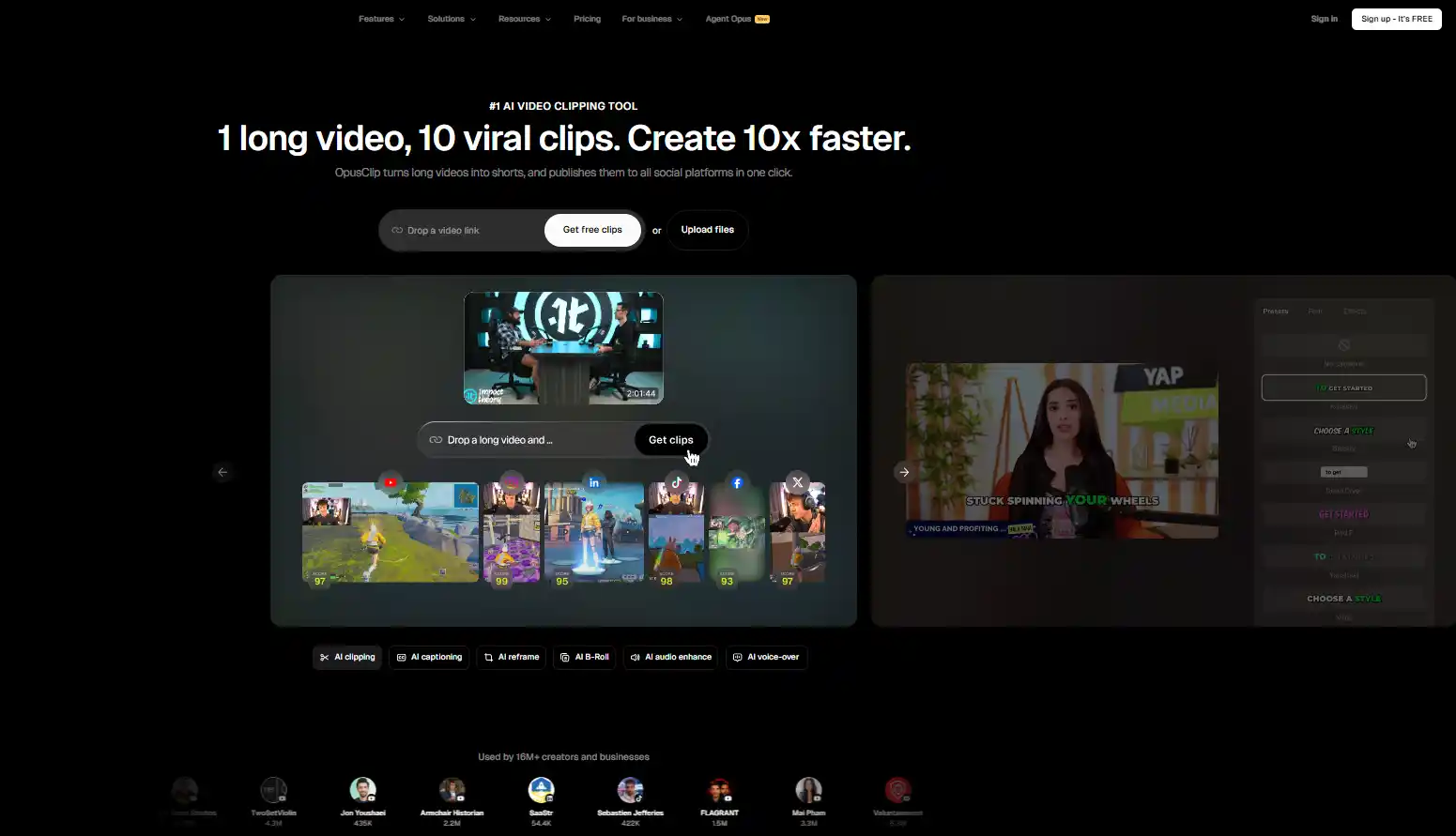
OpusClip is one of the best AI video editing tools for creators who record long-form content and want to repurpose it automatically into short social media clips. It analyzes your entire video, finds the most engaging moments, and delivers ready-to-post clips with minimal manual effort.
Key Features of OpusClip
- Silence and pause removal: Scans the full timeline and cuts dead air, quiet gaps, and unwanted pauses in seconds, a task that used to take over an hour manually.
- Automatic B-roll generation: The AI generates contextually relevant B-roll footage to cover jump cuts and keep the video visually dynamic throughout.
- AI face tracking: Keeps the speaker centered in frame even when converting horizontal footage into vertical clips for Reels and Shorts.
- Clip virality scoring: Assigns an engagement score to each generated clip so you can prioritize the strongest content for posting.
- Multi-platform export: Delivers clips formatted for YouTube Shorts, Instagram Reels, TikTok, and LinkedIn in a single workflow.
Who Should Use OpusClip?
- YouTubers recording long-form videos who want fast repurposing into Shorts and Reels
- Podcasters with video recordings who need clean, shareable segments for social media
- Social media managers handling high-volume video content across multiple platforms
Creators using OpusClip for silence removal alone report saving 30 to 40 percent of their manual editing time. Combined with automatic B-roll and clip generation, it is firmly among the best AI video editing tools for anyone working with talking-head or interview-style content.
2. VideoMule: Best AI Video Editing Tool for Tutorial and Educational Content
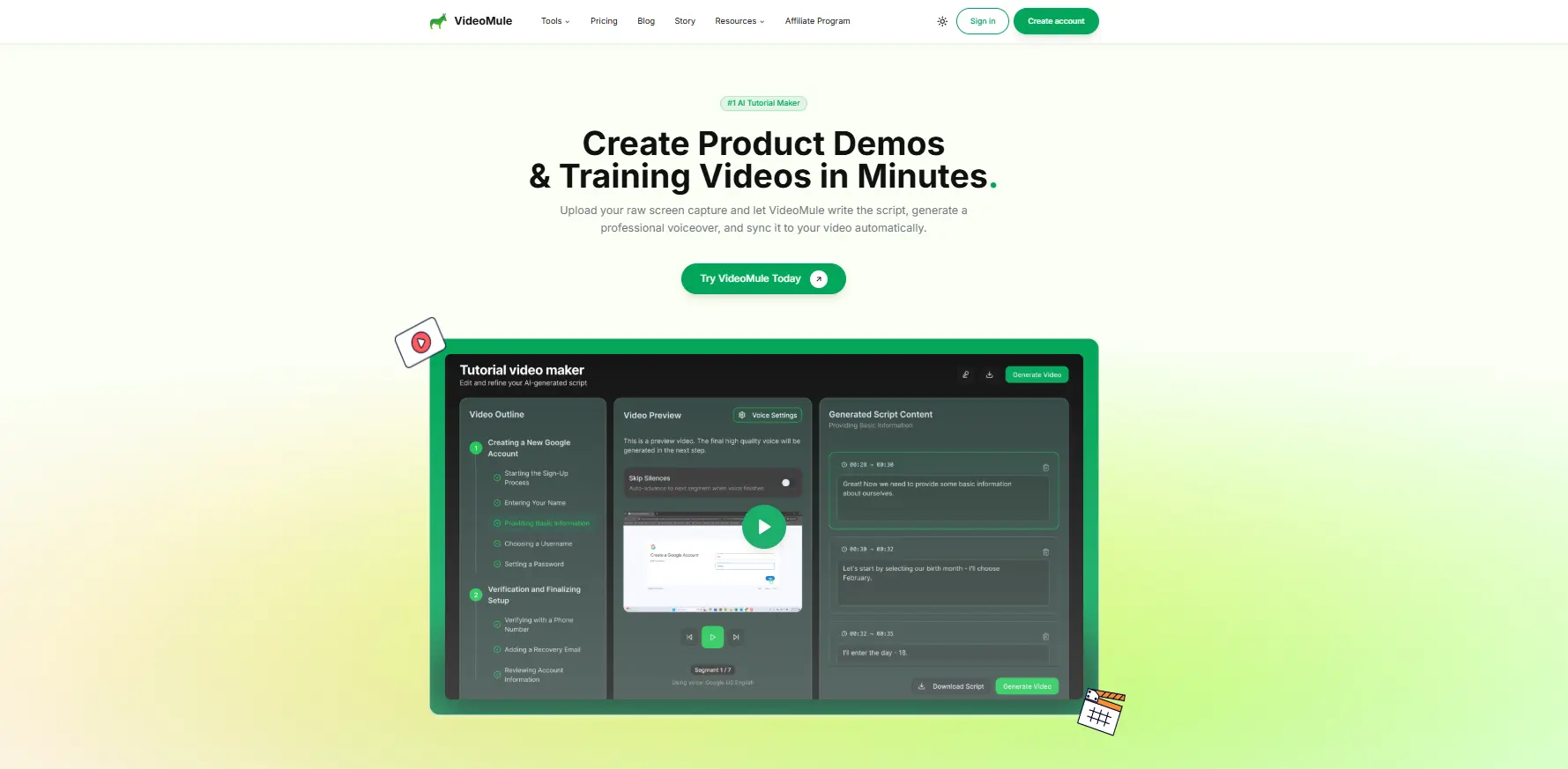
VideoMule is purpose-built for one of the most common content formats online: the instructional or tutorial video. If you teach software, explain processes, or walk viewers through step-by-step tasks on screen, VideoMule is designed specifically for your workflow and is one of the best AI video editing tools for educators.
Key Features of VideoMule
- Screen recording and direct upload: Record your screen inside the tool or upload raw screen capture footage. Both routes lead to the same AI editing pipeline.
- Full automatic AI editing: Once footage is uploaded, VideoMule edits the entire video without manual input. It trims pauses, removes mistakes, and tightens overall pacing.
- Script-based editing: The AI generates a script from your narration. Edit the text and the video updates to match automatically.
- Automatic background music and subtitles: Music is selected based on content tone. Subtitles are generated and embedded automatically.
- Filler word cleanup: Removes verbal stumbles and repeated words that would otherwise require manual scrubbing.
Who Should Use VideoMule?
- Online educators and course creators on platforms like Udemy, Teachable, and Kajabi
- Software companies creating product demo and onboarding videos
- Consultants and coaches who record step-by-step how-to walkthroughs
- Marketing teams producing tutorial-style video content at scale
Tutorial videos have specific editing demands that general-purpose tools often handle poorly. VideoMule addresses pacing, audio clarity, and subtitle accuracy automatically, making it one of the best AI video editing tools for educational content in 2026.
3. VEED.IO: Best AI Video Editing Tool for Multi-Format Publishing
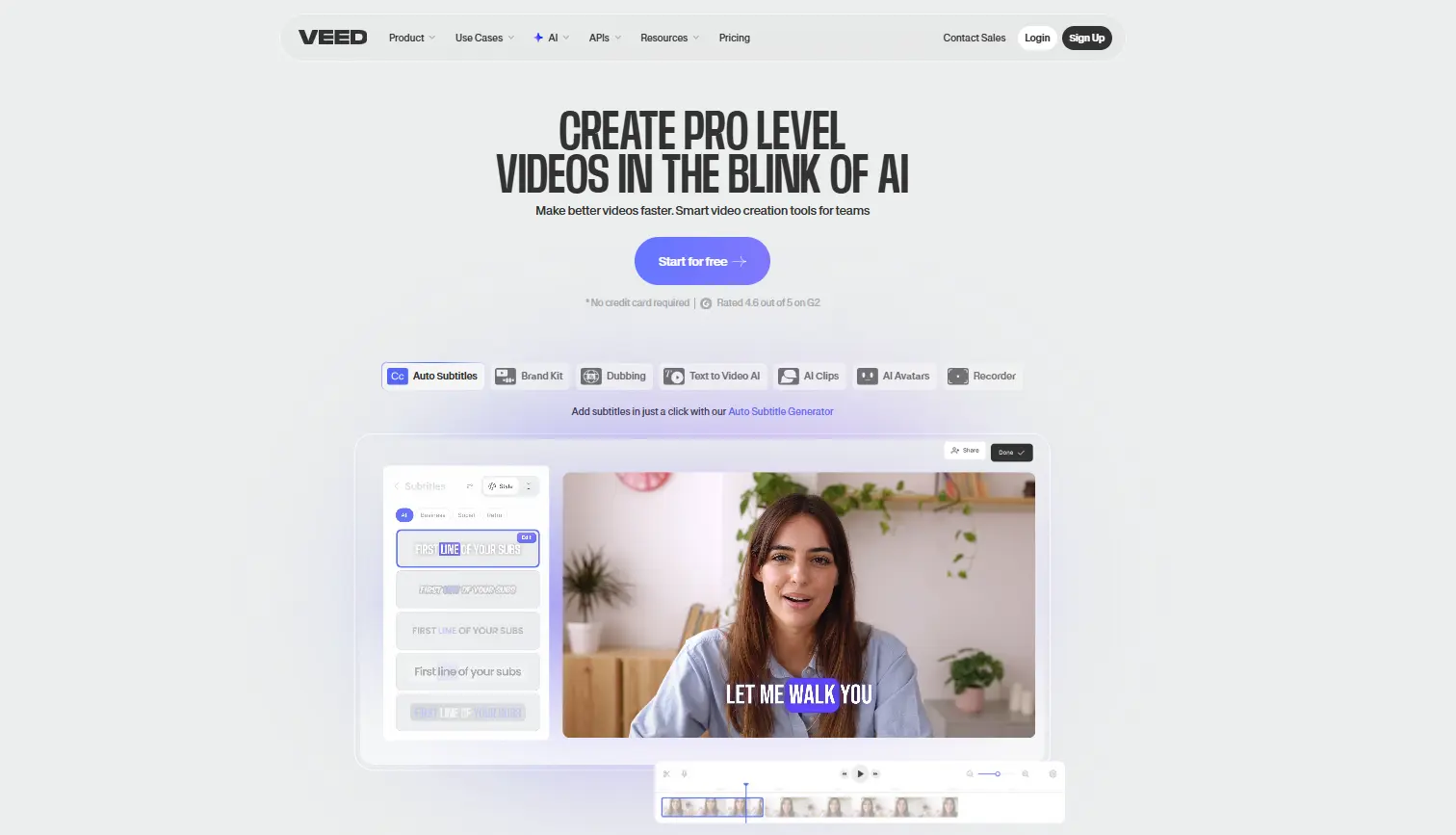
VEED.IO is a flexible AI video editing tool built for creators who publish across multiple platforms simultaneously. It handles both vertical (9:16) and horizontal (16:9) video formats natively, making it ideal for creators distributing content across YouTube, Instagram Reels, TikTok, and LinkedIn at the same time without re-editing.
Key Features of VEED.IO
- Multi-format support: Switch between vertical and horizontal formats without re-editing. VEED.IO handles framing and cropping automatically for each platform.
- Filler word removal: The AI detects and removes ‘um’, ‘uh’, ‘like’, and ‘you know’ from your audio track automatically, producing cleaner narration.
- Background removal and replacement: Works on both static and moving footage, allowing creators to swap distracting backgrounds easily.
- Automatic subtitles and captions: Generates accurate subtitles in multiple languages with one click.
- Audio cleanup and noise reduction: Audio leveling and noise removal run automatically as part of the editing pipeline.
- Text overlays and branding: Add logos, lower thirds, and branded text elements quickly.
Who Should Use VEED.IO?
- Multi-platform creators publishing across YouTube, TikTok, and Instagram simultaneously
- Creators with imperfect recording setups who need audio and visual cleanup tools
- Marketing agencies managing video production for multiple clients with different format requirements
- International creators who need multilingual subtitle generation
Publishing the same video across YouTube, TikTok, and Instagram used to mean three separate edit sessions. VEED.IO collapses that into one workflow, making it one of the best AI video editing tools for high-volume, multi-platform content operations in 2026.
4. Descript: Best AI Video Editing Tool for Transcript-Based Editing
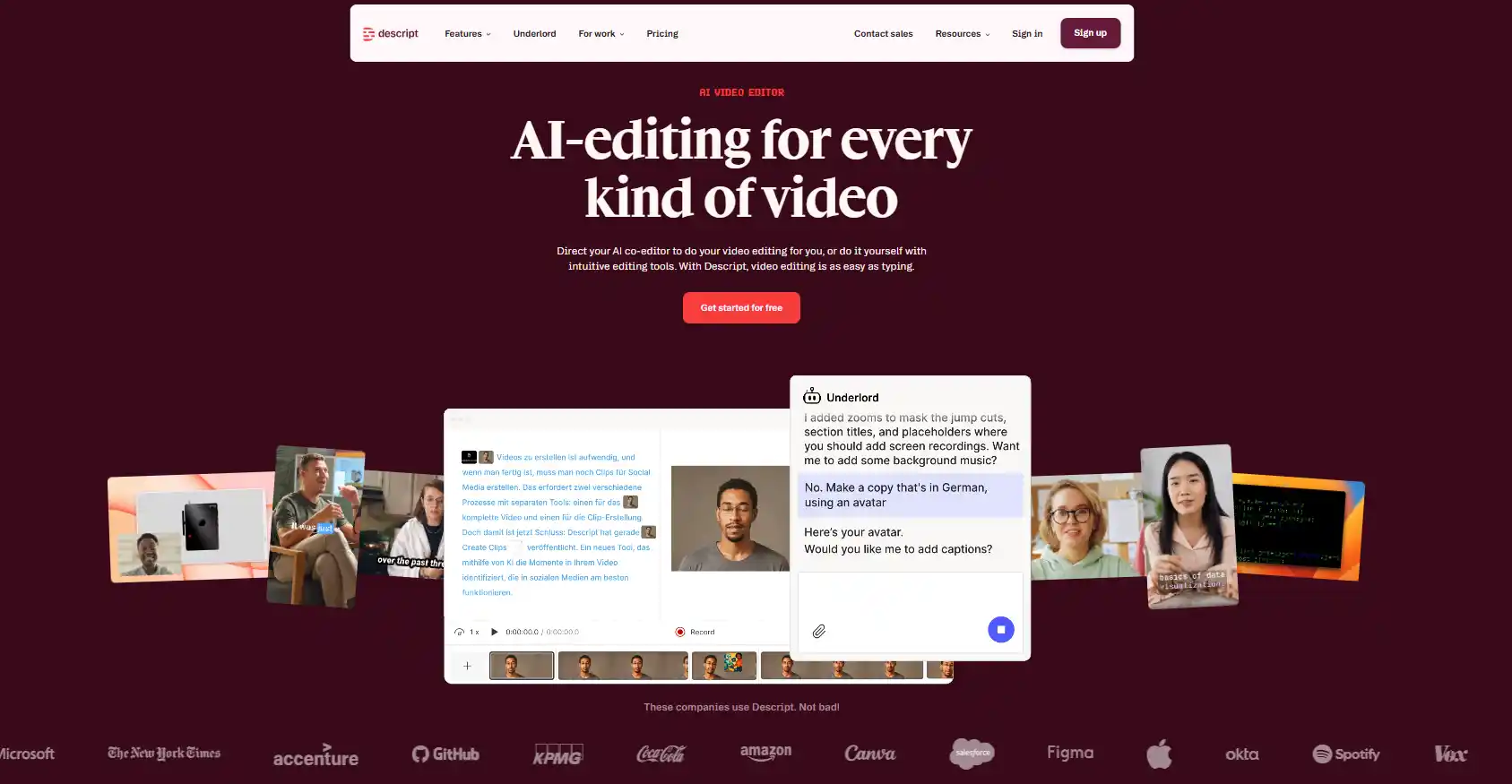
Descript takes a fundamentally different approach to video editing compared to the other AI video editing tools on this list. Instead of working with a traditional timeline, you edit your video by editing a text transcript. Delete a word from the transcript and Descript removes it from the video. It is the most intuitive editing interface ever built for non-editors.
Key Features of Descript
- Integrated recording: Built-in audio recording, video recording, and screen capture so you do not need a separate recording tool.
- Automatic transcription: Every recording is transcribed automatically with high accuracy using AI speech recognition. The transcript syncs to the timeline in real time.
- Text-based editing: Edit your video by editing text. Cut words, trim sentences, rearrange paragraphs and the video follows automatically.
- Overdub voice cloning: Correct a spoken mistake by typing the correction. Descript generates a matching voice clone so re-recording is not needed.
- Podcast and video in one workspace: Handles both audio-only and video projects in the same interface.
- Filler word removal: Automatically detects and removes filler words from the transcript with a single click.
Who Should Use Descript?
- Podcasters who publish video versions of their episodes alongside audio
- Journalists, documentarians, and interview-based creators working with long recordings
- Business professionals producing internal training videos and communications
- Anyone who finds traditional video timelines confusing and prefers a document-style interface
According to Wikipedia’s overview of AI in video production, text-based video editing is one of the most significant UX advances in non-linear editing history. Descript is the leading example of this approach and is firmly among the best AI video editing tools for creators who prefer working with text over timelines.
How to Choose the Right AI Video Editing Tool for Your Workflow
Not every creator needs the same AI video editing tool. Use this decision framework to find your best match:
- You record long-form YouTube content and want to repurpose it into social clips: Use OpusClip at opus.pro.
- You create tutorials, walkthroughs, or educational screen recordings: Use VideoMule at videomule.ai.
- You publish across multiple platforms with different format requirements: Use VEED.IO at veed.io.
- You prefer editing text over timelines or you record interviews and podcasts: Use Descript at descript.com.
These AI video editing tools are not mutually exclusive. Many professional creators use two or three depending on the content format they are producing.
4 Best AI Video Editing Tools Comparison (2026)
| Tool | Free Plan | Starter / Basic | Mid Plan (Creator / Pro) | High Plan (Business / Studio) | Enterprise |
|---|---|---|---|---|---|
| OpusClip | Yes (limited credits, watermark) | $15/month | ~$19–$29/month | Custom | Custom |
| VideoMule | Trial ($0.99/month) | $19/month | $49/month (Teams) | $199/month (Pro) | Custom |
| VEED.IO | Yes (watermark, limited export) | ₹ 520/month | ~$26/month or ₹1068/month | ₹1722/month (Studio) | Custom |
| Descript | Yes ($0, limited features) | $16/month (Hobbyist) | $24/month (Creator) | $50/month (Business) | Custom |
4 Best AI Video Editing Tools Features Comparison (2026)
| Feature | OpusClip | VideoMule | VEED.IO | Descript |
|---|---|---|---|---|
| AI Clip Generation | Advanced | Available | Available | Not available |
| Auto Captions | Available | Available | Available | Available |
| Subtitle Styling | Basic | Moderate | Advanced | Advanced |
| Multi-language Subtitles | Limited | Limited | Strong support | Strong support |
| AI Reframing (Shorts) | Advanced | Available | Available | Limited |
| AI Video Generator | Not available | Not available | Available | Not available |
| AI Voice / Dubbing | Not available | Limited | Available | Advanced |
| Filler Word Removal | Not available | Not available | Limited | Advanced |
| Automation Level | High | Medium | Medium | Low |
| Workflow Type | Fully automated | Semi-automated | Hybrid (manual + AI) | Text-based editing |
Tips for Getting the Most from AI Video Editing Tools in 2026
Switching to AI video editing tools is a process. Here are five practical steps to make the transition work for you:
- Start with one tool. Pick the one that matches your primary content format and master it before adding another to your workflow.
- Record clean source footage. AI editors improve messy recordings, but they perform best with decent lighting and clear audio. A basic USB microphone makes a noticeable difference.
- Always review AI edits before publishing. These tools are fast but not infallible. A quick final watch-through catches any errors before your audience does.
- Enable auto-subtitles on every video. All four tools generate captions. Subtitles significantly increase watch time across every social platform.
- Batch your editing sessions. Upload multiple videos and let the AI process them in the background while you focus on scripting, recording, or other tasks.
Frequently Asked Questions (FAQs)
What are the best AI video editing tools in 2026?
The best AI video editing tools in 2026 are OpusClip, VideoMule, VEED.IO and Descript. Each automates a different part of video editing, from silence removal and B-roll generation to transcript-based cuts and multi-format publishing.
What is the best AI video editing tool for beginners?
Descript is the most beginner-friendly AI video editing tool because it uses a text-based interface. You edit video by editing a transcript, with no timeline skills needed. VideoMule is also excellent for beginners creating tutorial or screen recording content.
Can AI video editing tools replace professional editors?
For straightforward content like tutorials, talking-head videos, and social clips, AI video editing tools handle 80 to 90 percent of the work. Complex branded productions with custom motion graphics still benefit from a human editor. These tools augment editors rather than fully replace them.
Is OpusClip free to use?
OpusClip offers a free plan with 60 credits per month. Paid plans unlock higher upload limits, more AI B-roll credits, and advanced analytics. Creators publishing more than four videos per month will typically need a paid plan.
What makes VEED.IO different from other AI video editing tools?
VEED.IO stands out for its multi-format support. It handles both vertical and horizontal video natively, making it ideal for creators who publish across YouTube, TikTok, Facebook, Instagram, LinkedIn and other media platforms simultaneously without separate editing sessions for each format.
What is VideoMule best used for?
VideoMule is best for tutorial and educational content. It automatically edits screen recordings, generates scripts from narration, adds subtitles, and inserts background music, making it the most streamlined AI video editing tool for instructional video creators.
Are these AI video editing tools cloud-based?
Yes. OpusClip, VideoMule, VEED.IO, and Descript are all cloud-based. The heavy processing happens on their servers, not your computer. You only need a reliable internet connection and a modern browser to use any of them.
How accurate is Descript’s automatic transcription?
Descript’s transcription accuracy is above 95 percent for clear English audio. Accuracy can drop with heavy accents, multiple simultaneous speakers, or noisy recording environments. All transcripts can be corrected manually inside the tool.
Disclaimer: Information is for general purposes only. Features and pricing may change. Please verify details on official websites before making decisions.