
Best AI Tools for Content Creation in 2026: 6 That Actually Work
You don’t need a full production team to put out good video, audio, or social content in 2026. A few well-chosen AI tools can handle the production side while you focus on the ideas.
This post covers 6 of the best AI tools for content creation in 2026 that are genuinely worth your time. Not a list of 50. Just six that each do a specific job well, with verified pricing and one honest note on where each falls short.
For the writing side of content creation, our guide on best AI writing tools and free options in 2026 covers Claude, ChatGPT, Jasper, and free alternatives. For the full digital marketing stack, see top AI digital marketing tools for 2026.
What makes a good AI content tool in 2026
Most AI tools promise to “10X your output.” Some of them are close to accurate.
A tool is worth using if it removes a task you dislike doing, produces output that doesn’t take an hour to fix, and fits how you already work. If it creates three new problems to solve one old one, skip it.
The six tools below each do one thing well. They’re not perfect, but they’re the kind of useful that shows up in your actual workflow, not just in a demo.
1. Pika Labs: best AI tool for text-to-video content creation
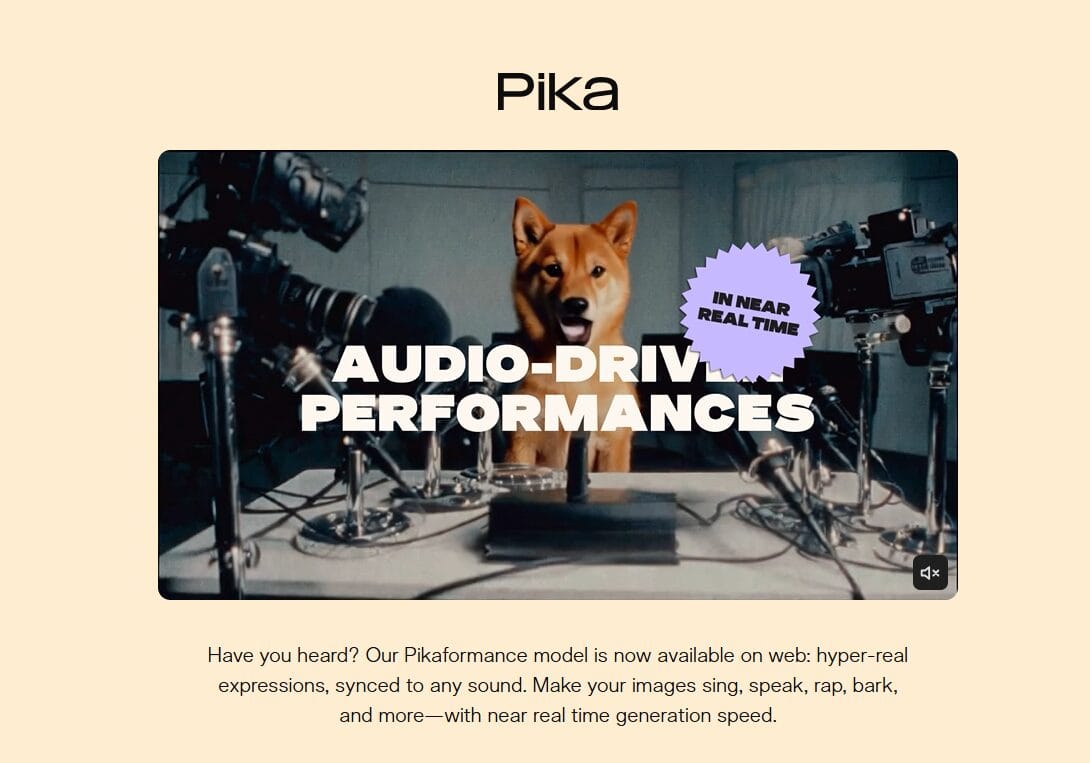
Pika Labs turns text prompts or images into short videos. The current model, Pika 2.5, produces clips clean enough for social media without heavy post-production.
Both free and paid plans are available. The free plan lets you test the tool with a limited number of credits each month. Paid plans unlock higher resolutions, faster generation speeds, and commercial use rights. Check current plan details at pika.art/pricing.
Best for: social media clips, product explainers, and short-form content where you need motion visuals but don’t have a camera or editor.
Honest limitation: consistent characters across multiple scenes are still a problem. The credit system can get expensive for high-volume users. One Pro model video can use 80 credits, so monthly allowances go faster than they appear.
Official site: pika.art
2. HeyGen: best AI tool for multilingual video content creation
HeyGen translates videos. Record or upload in English, get output in 175+ languages with AI lip-sync. The results are close enough to publish on most platforms without re-recording.
A free plan is available with a limited number of videos per month. Paid plans unlock higher resolution, unlimited videos, and the full translation feature set. See heygen.com/pricing for current plan options.
Best for: content creators and brands serving international audiences. One video can become a version for every market.
Honest limitation: the tool works best for clearly spoken content at a moderate pace. Fast-speech segments can occasionally show minor lip-sync errors.
Official site: heygen.com
3. CapCut: best AI video editing tool for content creators
CapCut is an AI-powered video editor available on mobile, desktop, and web. The auto-caption feature transcribes and adds captions to a full video in under a minute. Most creators stay on the free plan for a long time before needing to upgrade.
The free plan covers 1080p export and the most commonly used AI features. Paid plans add 4K export, advanced AI tools, team collaboration, and more storage. Desktop and web plans typically cost more than mobile plans for the same tier. See capcut.com for current pricing.
Best for: solo creators posting short-form content to social platforms. The free plan handles most common editing tasks without payment.
Honest note: CapCut is owned by ByteDance, the same company behind TikTok. If data privacy matters for you or your clients, that’s worth knowing before uploading footage.
Official site: capcut.com
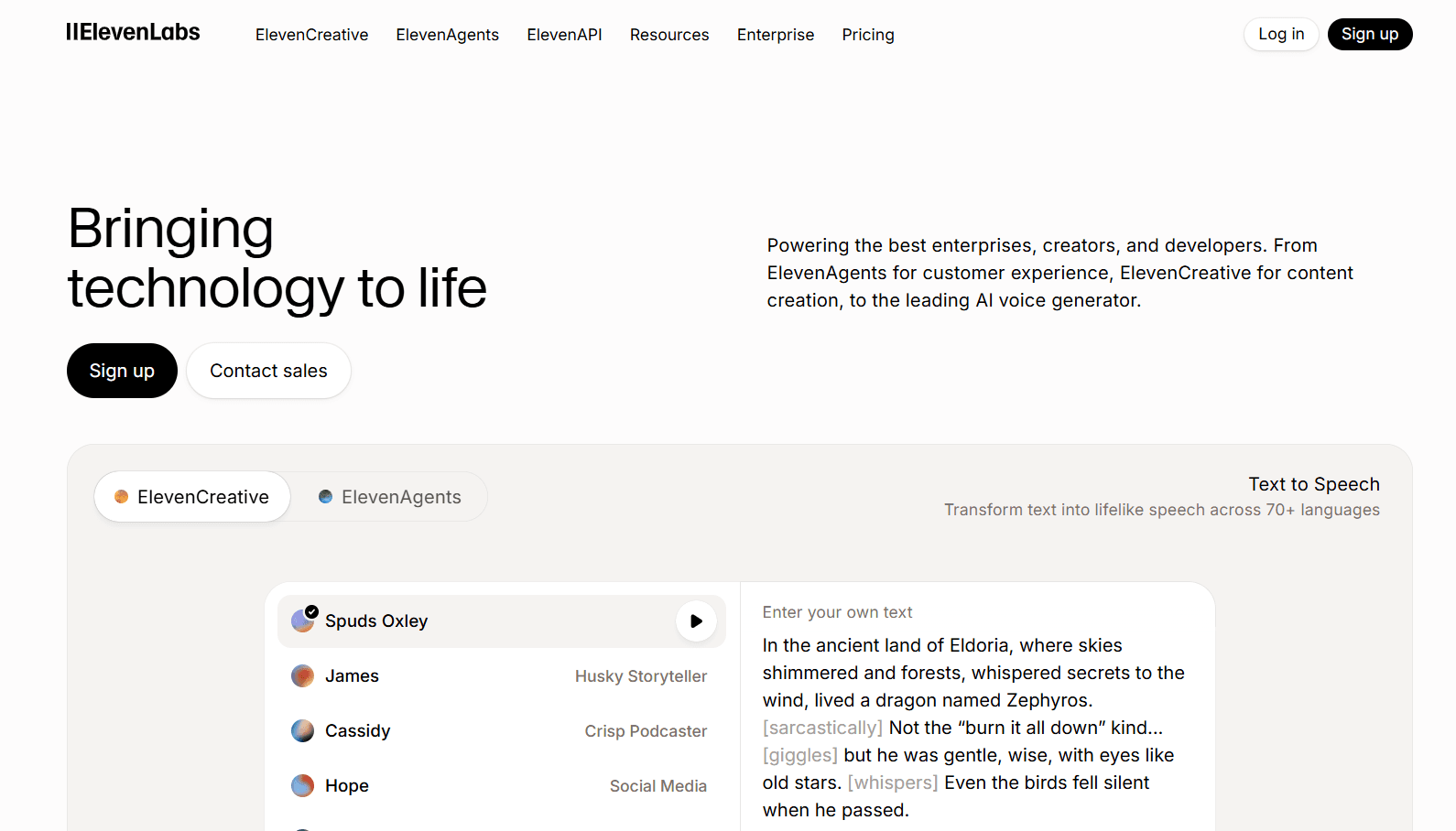
4. ElevenLabs: best AI voiceover tool for podcasts and video content
ElevenLabs generates voiceovers that sound genuinely close to human speech. The quality has reached a point where most listeners won’t notice on a first pass.
A free tier is available with a monthly character limit. Commercial use requires a paid plan. Paid plans unlock higher character limits, pro-grade voice cloning, and access to the highest quality voice models. See elevenlabs.io/pricing for current options.
Best for: podcast narration, YouTube video voiceovers, and any content where recording yourself is inconvenient. Voice cloning works well for maintaining consistent audio branding across episodes.
Honest limitation: the free tier runs out quickly for regular use. Also, voice cloning of other people without consent raises real ethical and legal questions. Use it for your own voice or fictional characters.
Official site: elevenlabs.io
5. Taplio: best AI tool for LinkedIn content creation
Taplio is built for LinkedIn. It helps with AI post writing, carousel creation from existing content, scheduling, and performance analytics. The carousel builder is the feature most users rely on. Paste in a tweet or Reddit thread and Taplio formats it into a LinkedIn carousel.
A 7-day free trial is available. The entry-level plan does not include AI features. AI content generation requires a higher tier. Check taplio.com/pricing for current plan options, as tier prices are not always published publicly.
Best for: founders, consultants, and marketers who post on LinkedIn consistently and want to repurpose existing content rather than write from scratch.onsultants, and marketers who post on LinkedIn consistently and want to repurpose existing content rather than write from scratch.
Honest limitation: only worth the cost if LinkedIn actively generates leads or visibility for your business. A free carousel tool is available to test before subscribing.
Official site: taplio.com

6. ImagineArt: best all-in-one AI creative suite for content creation
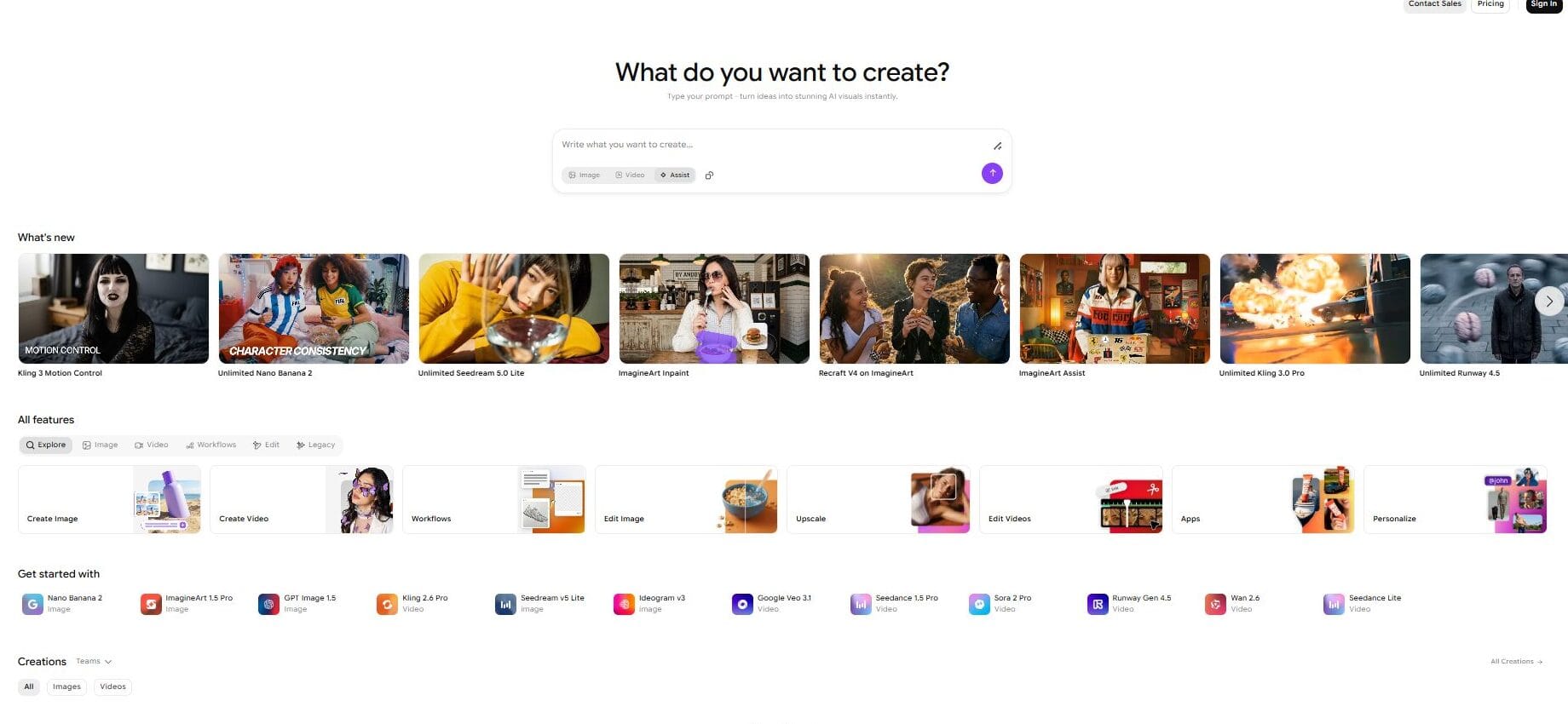
ImagineArt is an all-in-one AI creative platform that brings together image generation, video creation, editing, upscaling, and voice tools under a single subscription. Instead of managing separate accounts for tools like Pika, Runway, and Kling, you get access to multiple leading AI models in one dashboard.
A free plan is available with daily credits for non-commercial use. Paid plans scale up the number of image and video generations per month and unlock commercial use rights. Both monthly and yearly billing options are available. See imagine.art/subscription for current plan details.
What makes it useful: ImagineArt includes access to models like Pika 2.2, Runway 4.5, Kling 3.0, Seedream 5.0, and Recraft V4, all within one flat subscription. For creators currently paying separately for multiple AI tools, this can simplify and reduce overall costs.
Best for: content creators, designers, and marketers who work across image and video formats regularly and want one platform instead of five separate subscriptions.
Honest limitation: because it aggregates models rather than building its own, you’re dependent on which models ImagineArt has licensed. The credit system also resets monthly, so unused credits don’t carry over.
Official site: imagine.art
Which of these best AI tools for content creation should you start with?
Depends on your bottleneck.
- Spending hours editing video? Start with CapCut. The free plan covers most creators’ needs and the auto-caption feature alone saves significant time.
- Need audio narration for content? ElevenLabs produces the most realistic AI voiceovers available. The free tier is enough to test whether it fits your workflow.
- Creating content for international audiences? HeyGen handles translation into 175+ languages with lip-sync. One video becomes a version for every market.
- Want short video clips from text or image prompts? Pika Labs. The free plan gives you enough credits to test the quality properly.
- LinkedIn is a serious business priority? Try Taplio’s 7-day trial first. Read the account safety note above before subscribing.
- Using multiple AI creative tools and want to consolidate them? ImagineArt bundles image, video, and voice tools into one subscription. Check imagine.art/subscription for current plan options.
None of these tools will generate your ideas. They compress the production side of content work. The thinking still has to be yours.
- Writing tools: Best AI writing tools and free options in 2026 covers tools for blog posts, articles, and copy.
- Full marketing stack: Top AI digital marketing tools for 2026 covers SEO, social scheduling, ad copy, and analytics tools.
Frequently Asked Questions (FAQs): Best AI Tools for Content Creation in 2026
What is the best AI tool for content creation in 2026?
There is no single best AI tool for content creation in 2026 because different tools serve different purposes. CapCut is the most accessible option for AI video editing and is available on a free plan. Pika Labs is strong for generating short video clips from text prompts. ElevenLabs produces the most realistic AI voiceovers. HeyGen handles video translation into 175+ languages with AI lip-sync. Taplio is built specifically for LinkedIn post writing and carousel creation. ImagineArt is an all-in-one platform that bundles image generation, video creation, and voice tools under one subscription. The best choice depends on what type of content you produce and where your biggest production bottleneck is.
Which AI content creation tool is best for beginners?
CapCut is the most beginner-friendly AI content creation tool in 2026. It is free, available on mobile and desktop, and requires no technical setup. The auto-caption feature transcribes and captions a full video in under a minute. Most beginners can go from raw footage to a finished, captioned post in under 30 minutes. ImagineArt is also beginner-friendly for visual content, with a free daily credit allowance and a straightforward prompt-to-image and prompt-to-video workflow.
Are there free AI tools for content creation in 2026?
Yes. CapCut has a free plan with no time limit that includes 1080p export and AI-powered auto-captions. Pika Labs has a free plan with a limited monthly credit allowance for video generation. ElevenLabs has a free tier with a monthly character limit for audio generation. ImagineArt provides free daily credits for image and video creation. HeyGen has a free plan with a limited number of videos per month. Taplio does not have a free plan but offers a 7-day free trial. All free plans have some limitations, so check each tool’s official site for current details.
What AI tool should I use to create videos from text prompts in 2026?
Pika Labs is a strong option for creating videos from text prompts in 2026. You input a text description or an image and the tool generates a short video clip using the Pika 2.5 model. It works best for social media content, product visuals, and short explainer clips. ImagineArt also provides access to multiple text-to-video models including Pika 2.2, Kling 3.0, and Runway 4.5 within a single subscription, which can be useful for creators who want access to several video generation models without managing multiple accounts.
How does HeyGen translate videos into other languages?
HeyGen uses AI to translate the audio of a video into another language and re-syncs the speaker’s lip movements to match the translated speech. You upload a video, select one or more target languages from HeyGen’s library of 175+ supported languages, and the tool generates dubbed versions. The process is largely automated and does not require you to re-record anything. The lip-sync quality is generally good enough for social media and marketing videos, though fast-speech segments can occasionally show minor errors. Translation features are available on HeyGen’s paid plans.
Is ElevenLabs good for podcast voiceovers?
Yes. ElevenLabs is one of the most realistic AI voiceover tools available in 2026. The audio sounds close to natural human speech with good pacing and tone variation. It is widely used for podcast narration, YouTube video voiceovers, audiobooks, and explainer content. A free tier is available with a monthly character limit. Commercial use requires a paid plan. You can also clone your own voice for consistent audio branding across episodes. Visit elevenlabs.io/pricing for current plan details.
What is ImagineArt and how does it help with content creation?
ImagineArt is an all-in-one AI creative suite that provides access to multiple leading AI models for image generation, video creation, voice tools, and editing within a single subscription. Instead of paying separately for tools like Pika, Runway, and image generators, creators can use all of them through one platform. It is best suited for content creators, designers, and marketers who work across image and video formats regularly. A free plan with daily credits is available for non-commercial use. Paid plans scale up generation volume and unlock commercial rights. Visit imagine.art/subscription for current plan details.
Is Taplio safe to use for LinkedIn in 2026?
Taplio carries a known account risk that is worth understanding before subscribing. Multiple independent reviews and user reports confirm that Taplio uses cookie-based automation techniques that may violate LinkedIn’s terms of service. LinkedIn has temporarily blocked Taplio’s access in the past, and some users have reported account warnings and restrictions. Taplio describes its approach as behaving like a real LinkedIn user, but the history of platform conflicts is documented. If LinkedIn account safety is a priority for your business, research this carefully and test on a secondary account before committing to a subscription.
What AI tools are most used for social media content creation in 2026?
The most commonly used AI tools for social media content creation in 2026 include CapCut for short-form video editing and auto-captions, Pika Labs for generating video clips from text prompts, ImagineArt for AI image and video generation across multiple models, ElevenLabs for voiceovers and audio content, HeyGen for multilingual video translation, and Taplio for LinkedIn carousels and post scheduling. For written content like captions, hooks, and post copy, ChatGPT and Claude are widely used. The combination a creator uses depends on which platforms they focus on and what content formats they produce most.
What is the difference between Pika Labs and ImagineArt?
Pika Labs is a standalone text-to-video tool built around its own proprietary model, currently Pika 2.5. It is focused entirely on video generation and is best suited for creators whose main need is turning text prompts or images into short video clips. ImagineArt is an all-in-one creative platform that aggregates multiple AI models, including Pika 2.2, Runway 4.5, Kling 3.0, and various image generation models, within a single subscription. ImagineArt is a better fit for creators who use several different AI creative tools and want to manage them from one place. Pika Labs is a better fit for creators who mainly need access to the latest Pika model for video generation.
How do I choose the right AI tool for my content workflow?
Start by identifying the single task in your content workflow that takes the most time or that you dislike most. If it is video editing, test CapCut on the free plan. If it is audio production, test ElevenLabs on the free tier. If it is translating content for new markets, test HeyGen on the free plan. If it is LinkedIn content, use Taplio’s 7-day trial before subscribing, and read their terms carefully regarding LinkedIn account safety. If you use multiple AI creative tools and want to consolidate, explore ImagineArt’s free daily credits. Add one tool at a time, use it for 30 days, and evaluate whether it genuinely saves time before adding another.
Can AI tools for content creation replace a human content team?
No. AI content creation tools reduce the time spent on production tasks such as video editing, captioning, translating, and formatting. They do not replace the judgment needed to choose topics, maintain a brand voice, fact-check claims, or build audience relationships. A solo creator or small team using the right tools can produce significantly more content than before, but the strategy and editorial decisions still require a human. Tools like CapCut, ElevenLabs, Pika Labs, ImagineArt, and Taplio are best described as production shortcuts, not replacements for creative decision-making.
Disclaimer: The content on Corebrief.in is for informational purposes only. Features and availability of tools mentioned may change without notice. Always verify details on each tool’s official website before making a purchase. Corebrief.in is not affiliated with, sponsored by, or compensated by any of the tools or companies mentioned in this post. All recommendations are based on independent research